Berg for design teams
Design reviews without the scattered feedback
Requests on a board, feedback in threads, specs in docs and a review status that assigns the right person automatically.
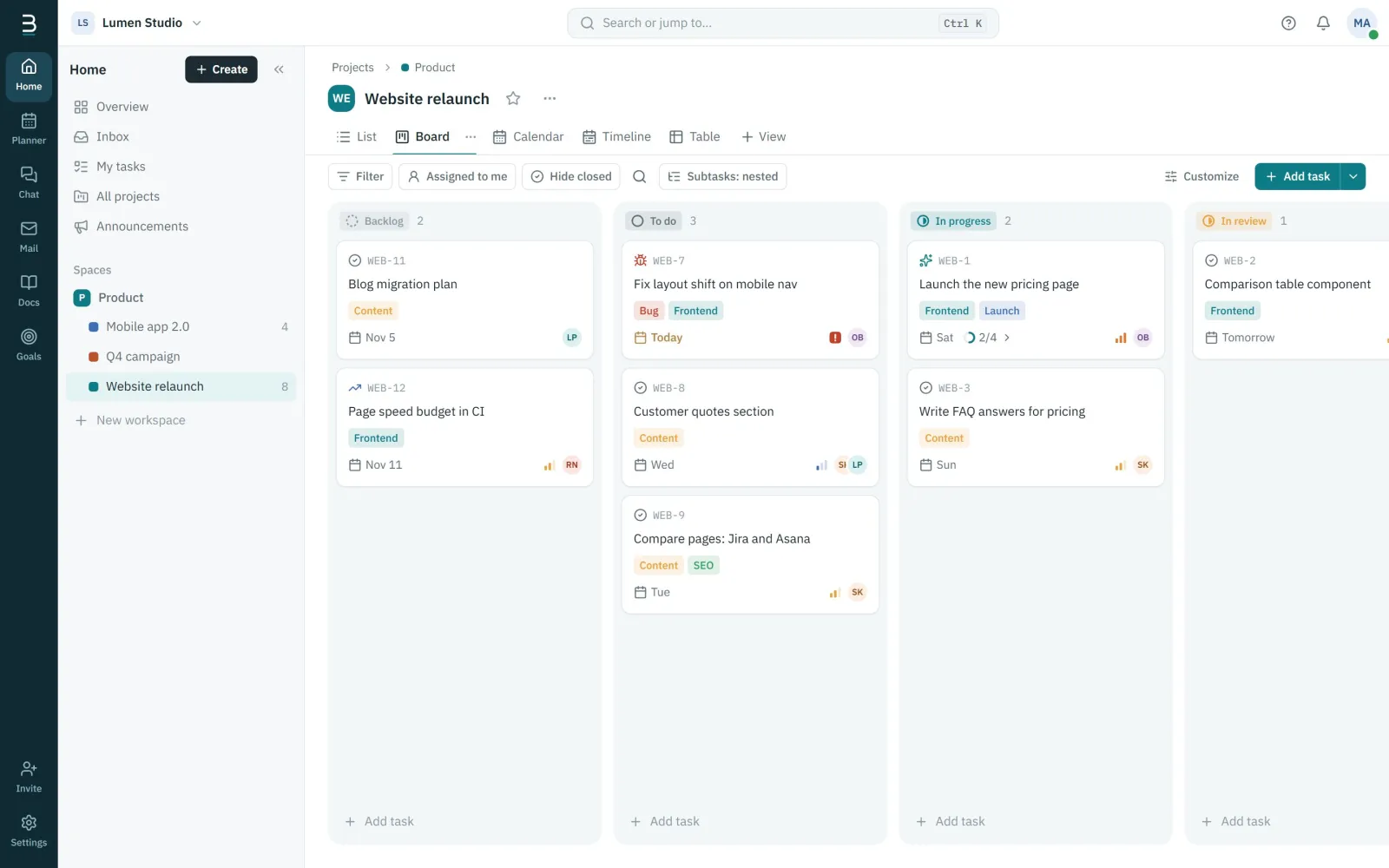
From request to handoff
A board from request to review to handoff, with labels for each product area.
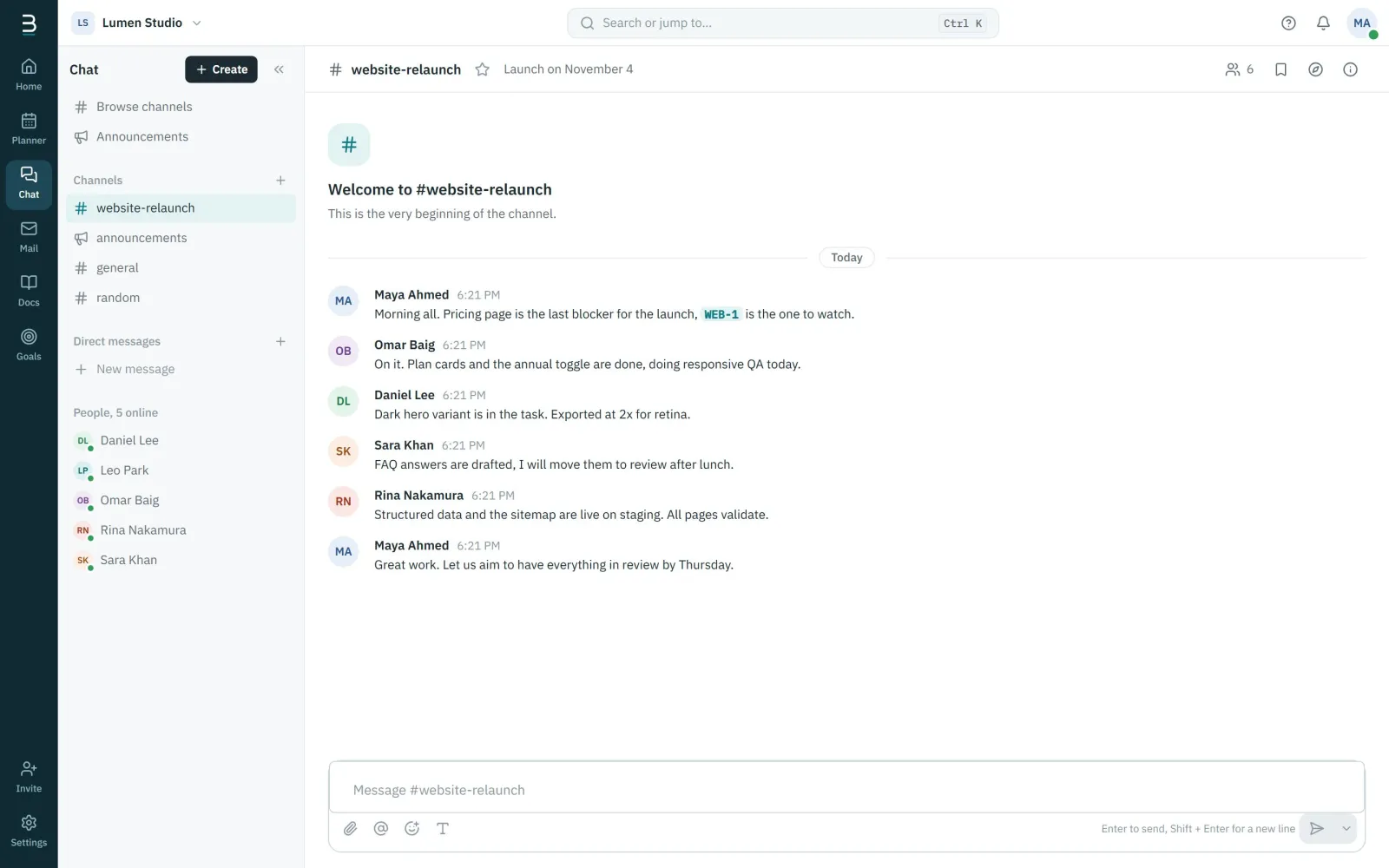
Feedback that stays with the work
Threads, reactions and file previews in the project channel, linked to the task.
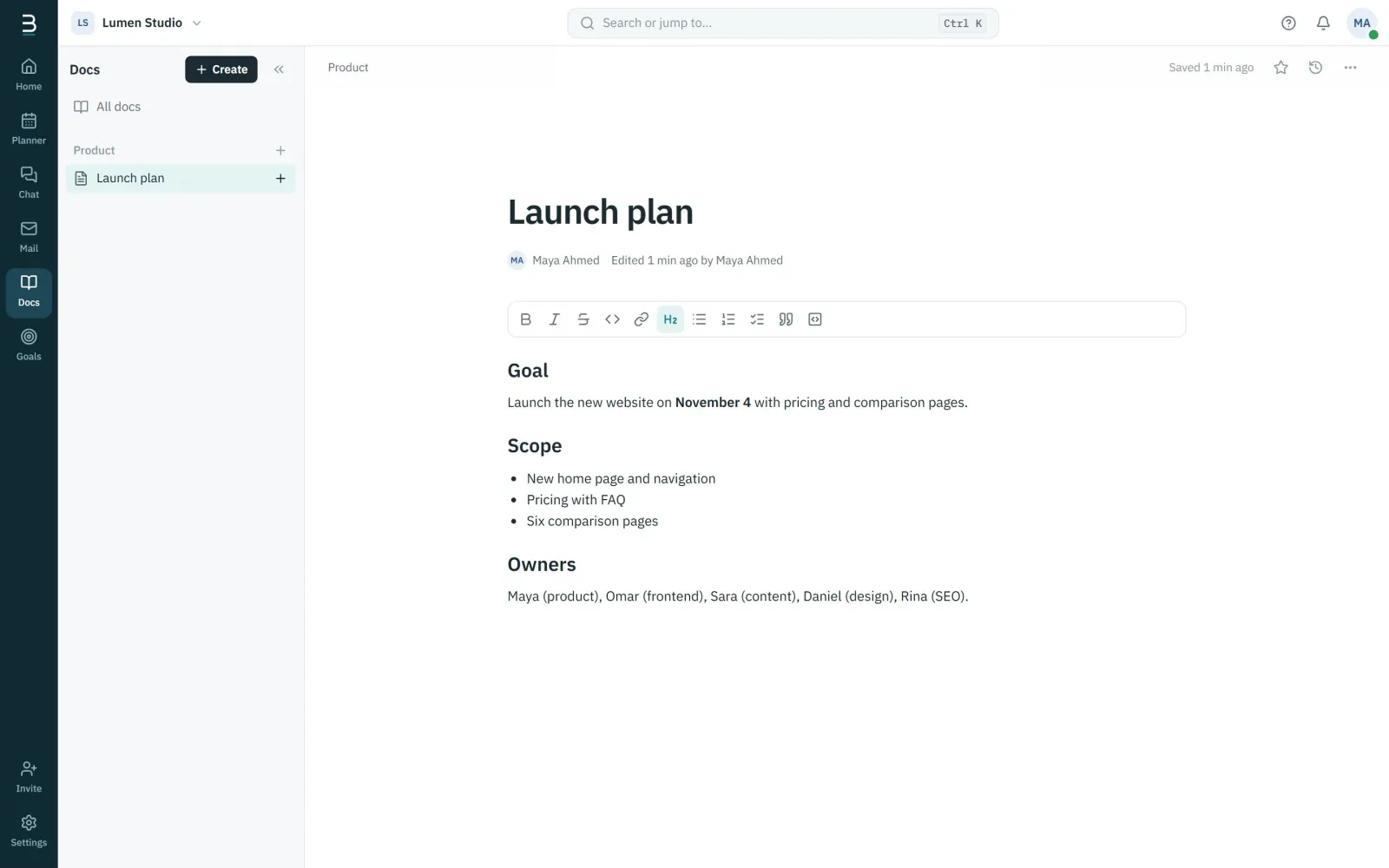
Specs everyone can find
Docs live inside the project they describe, with version history and comments.
Start with the Software delivery template
Backlog to release with review and QA steps. Opens in the board view.
- Backlog
- To do
- In progress
- In review
- QA
- Done
Berg for design teams: questions
Can we attach design files?
Attach files to tasks and messages; images show as previews. Files are private to your organization.
Can a review step assign the reviewer automatically?
Yes. An automation can assign the reviewer and add a comment when a task moves to review.
Berg for other teams
Get your team into one workspace
Create your organization in a few minutes. Invite the team, start a project from a template and talk where the work is.
Free during early access. No credit card needed.